






Template 5163 Avery | 5163 Avery Template
Blank Avery 5163 Canva Label Template – 2" x 4" Shipping & Mailing Labels
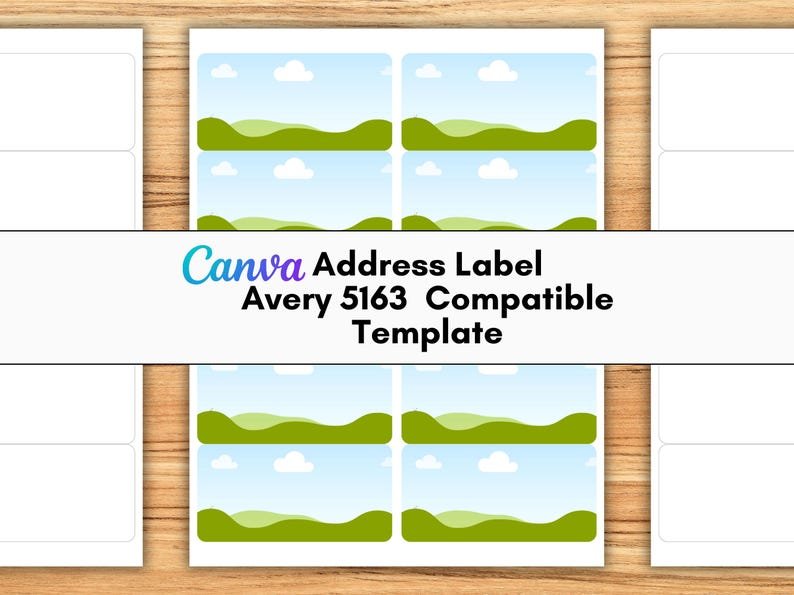
Create professional, customized labels with ease using this Blank Avery 5163 Canva Label Template. Designed specifically for 2" x 4" labels, this editable drag-and-drop template gives you a flexible blank canvas to create shipping labels, return address labels, product packaging labels, business branding, event stationery, moving announcements, and much more.
Whether you're a small-business owner, online seller, crafter, entrepreneur, or beginner using Canva, this template makes designing and printing professional-looking labels simple and convenient.
✨ KEY FEATURES
- 100% blank Canva template – create your design from scratch
- Easy drag-and-drop editing
- Fully customizable text, graphics, fonts, and design elements
- Precise Avery 5163 layout
- 2" x 4" label size
- 10 labels per US Letter sheet
- Designed for Avery 5163 sheets and compatible equivalents
- Suitable for inkjet and laser printers
- Works with a free Canva account
- Beginner-friendly and easy to customize
- Create multiple versions and designs
- Unlimited editing and downloading through your Canva template
- Ideal for both personal projects and small-business use
📦 PERFECT FOR
Use this versatile label template for:
- Shipping and mailing labels
- Return address labels
- Product packaging
- Boxes and parcels
- Jars and containers
- Small-business branding
- Product labels
- Event stationery
- Moving announcements
- Handmade business packaging
- Online shop orders
- Customer shipments
- Organization and storage labels
- Craft projects
The blank format allows you to add your own logo, business name, address, QR code, graphics, colors, and other design elements to create labels that match your brand.
📥 WHAT'S INCLUDED
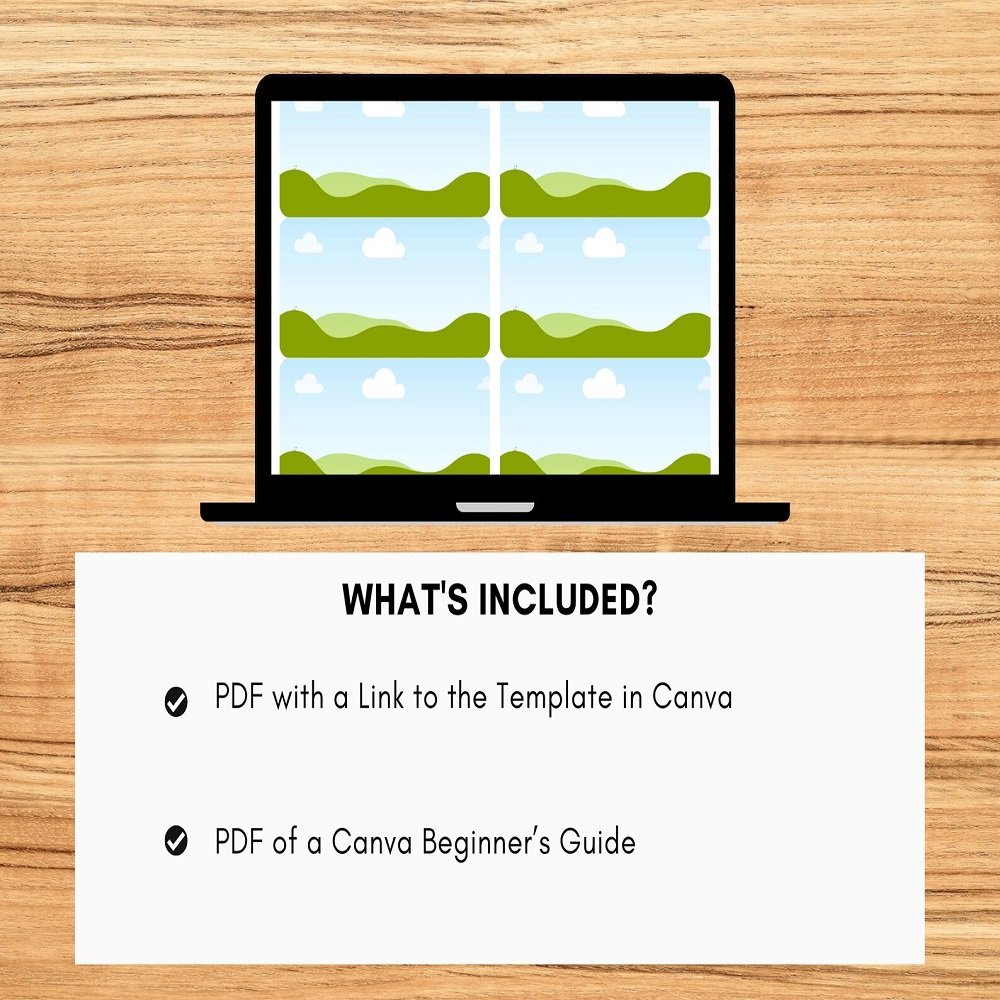
Your instant digital download includes:
1. Printable Canva Template PDF
A PDF containing a clickable and shareable Canva template link for the complete 10-label sheet.
2. Bonus Canva Beginner's Guide
A 20-page beginner-friendly Canva guide to help you understand the basics of editing and customizing your template.
3. Printing & Alignment Instructions
Simple instructions designed specifically to help you print your labels accurately on Avery 5163-compatible sheets.
🏷️ LABEL SPECIFICATIONS
- Label size: 2" x 4"
- Sheet size: US Letter
- Labels per sheet: 10
- Template type: Blank & editable
- Platform: Canva
- Delivery: Digital download
- Printing: Home inkjet or laser printer
✅ COMPATIBLE AVERY LABEL NUMBERS
This template is designed for Avery 5163 and compatible label formats, including:
15513, 15702, 16791, 18163, 18863, 48163, 48263, 48363, 48807, 48863, 5137, 5263, 55163, 5523, 55463, 5613, 58163, 5963, 6427, 6527, 6528, 8163, 8253, 8363, 8463, 85563, 8923, 95523, 95910, and 95945.
Please verify your label sheets and dimensions before printing to ensure compatibility.
🎨 EASY CANVA EDITING
No advanced design experience is required. Simply open the template in Canva and customize it using the intuitive drag-and-drop interface.
You can add or modify:
- Business names
- Logos
- Addresses
- Contact information
- Social media details
- QR codes
- Text
- Fonts
- Colors
- Graphics
- Decorative elements
The blank layout gives you complete creative freedom to build labels that fit your personal style or business branding.
🛒 HOW IT WORKS
Getting started is quick and simple:
1. Purchase & Download
Complete your purchase and instantly download the provided PDF.
2. Open the Canva Link
Click the clickable template link inside the PDF to access the design in Canva.
3. Customize Your Labels
Drag, drop, type, resize, and add your own design elements.
4. Download Your Finished Design
When your design is ready, download it from Canva as a high-quality PDF Print file.
5. Print
Print your completed labels onto Avery 5163 or a compatible label sheet.
💡 Tip: Always print a test copy on plain paper first and hold it behind your label sheet to check alignment before using your actual labels.
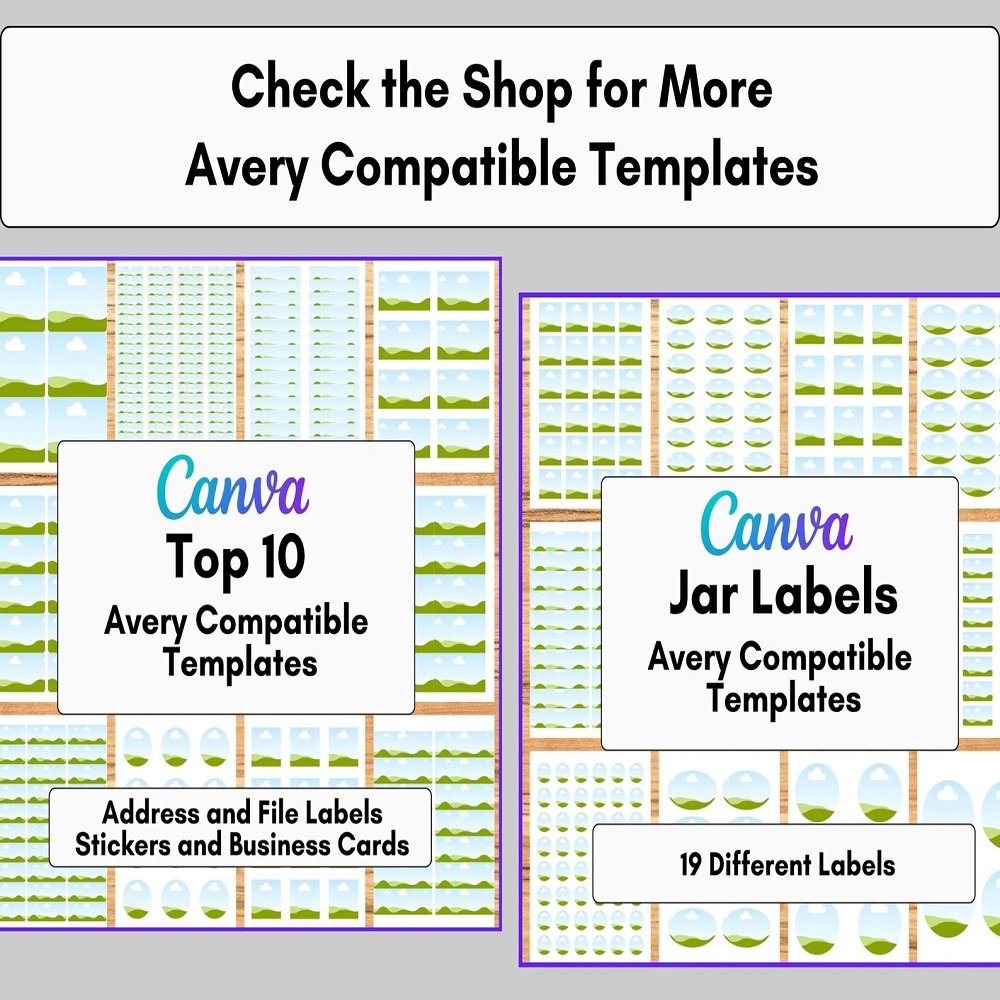
🎁 AVAILABLE IN SHOP BUNDLES
Looking for more label options?
This template is also available as part of:
- Top 10 Avery Label Canva Templates Bundle
- Top 20 Avery Label Canva Templates Bundle
These bundles are ideal if you regularly create labels for your business and want a wider variety of professionally sized Canva templates.
💼 COMMERCIAL USE
Personal use and small-business commercial use are permitted for creating and selling finished printed products.
You may use the template to create labels for your own business, packaging, products, events, and other finished physical designs.
🚫 PLEASE NOTE
You may not:
- Resell the Canva template
- Share or redistribute the template link
- Give the template away for free
- Upload or sell the original template as your own
- Transfer or distribute the editable template to customers
- Sell the template itself as a standalone product
The commercial-use permission applies to finished products you create, not redistribution of the editable template.
⚠️ IMPORTANT INFORMATION
- This is a digital product only.
- No physical labels or products will be shipped.
- Canva is required to edit the template.
- A free Canva account is sufficient.
- Canva may offer certain optional elements or features that require a paid Canva plan.
- This listing is not affiliated with or endorsed by Avery.
- Please confirm your label stock matches the listed dimensions and layout before printing.
- Printer settings and paper alignment can affect the final result.
📌 MAKE PROFESSIONAL LABELS WITH EASE
Take the hassle out of designing shipping, mailing, and packaging labels with this Blank Avery 5163 Canva Template. With an easy-to-edit blank layout, precise 2" x 4" formatting, beginner-friendly instructions, and a bonus Canva guide, you have everything you need to create polished labels for your personal projects or small business.
Design it your way, customize it in minutes, and print professional-looking labels whenever you need them!


Reviews
There are no reviews yet.