



Template 8163 Avery | 8163 Avery Template
Editable Canva Label Template – Avery L7163 / J8163 Compatible
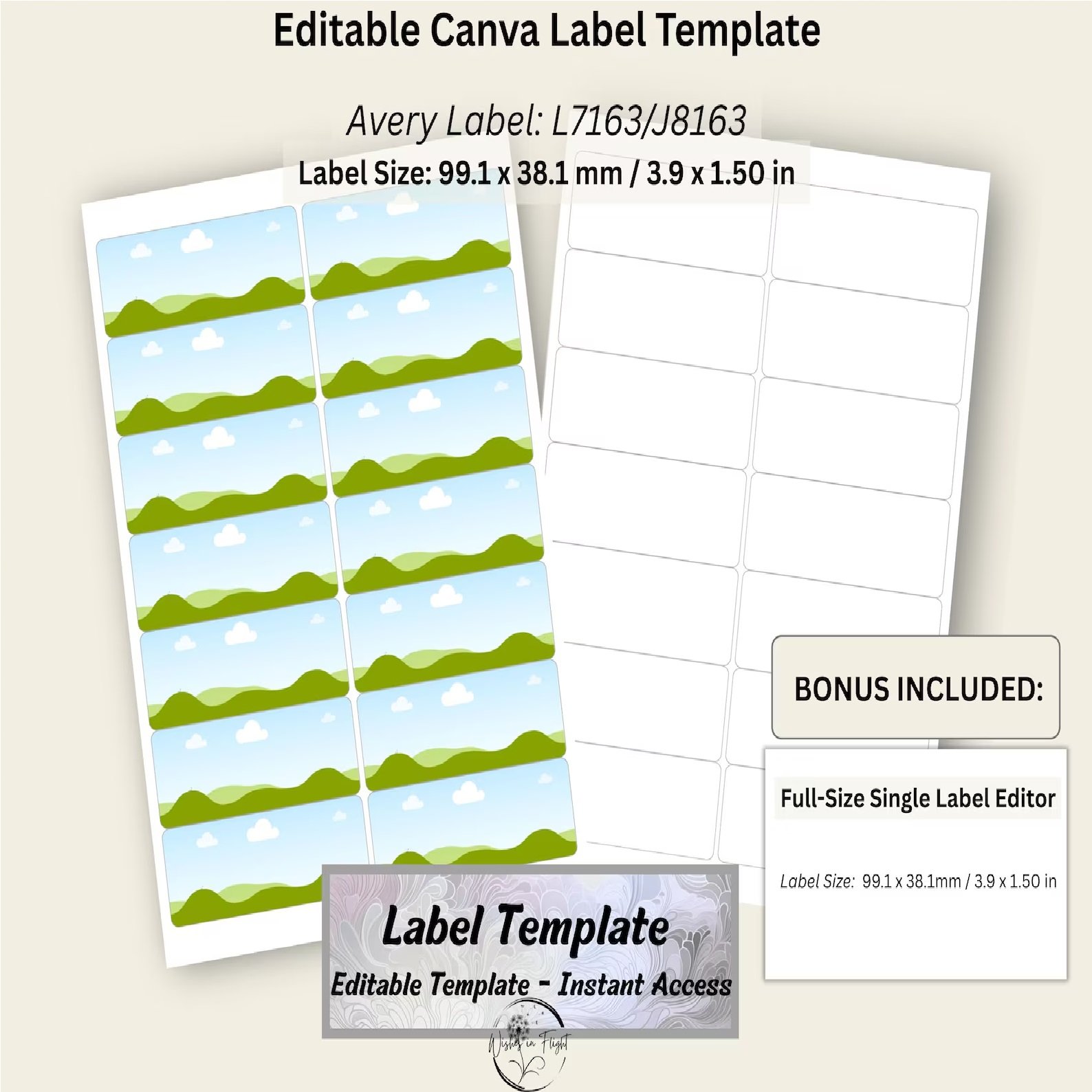
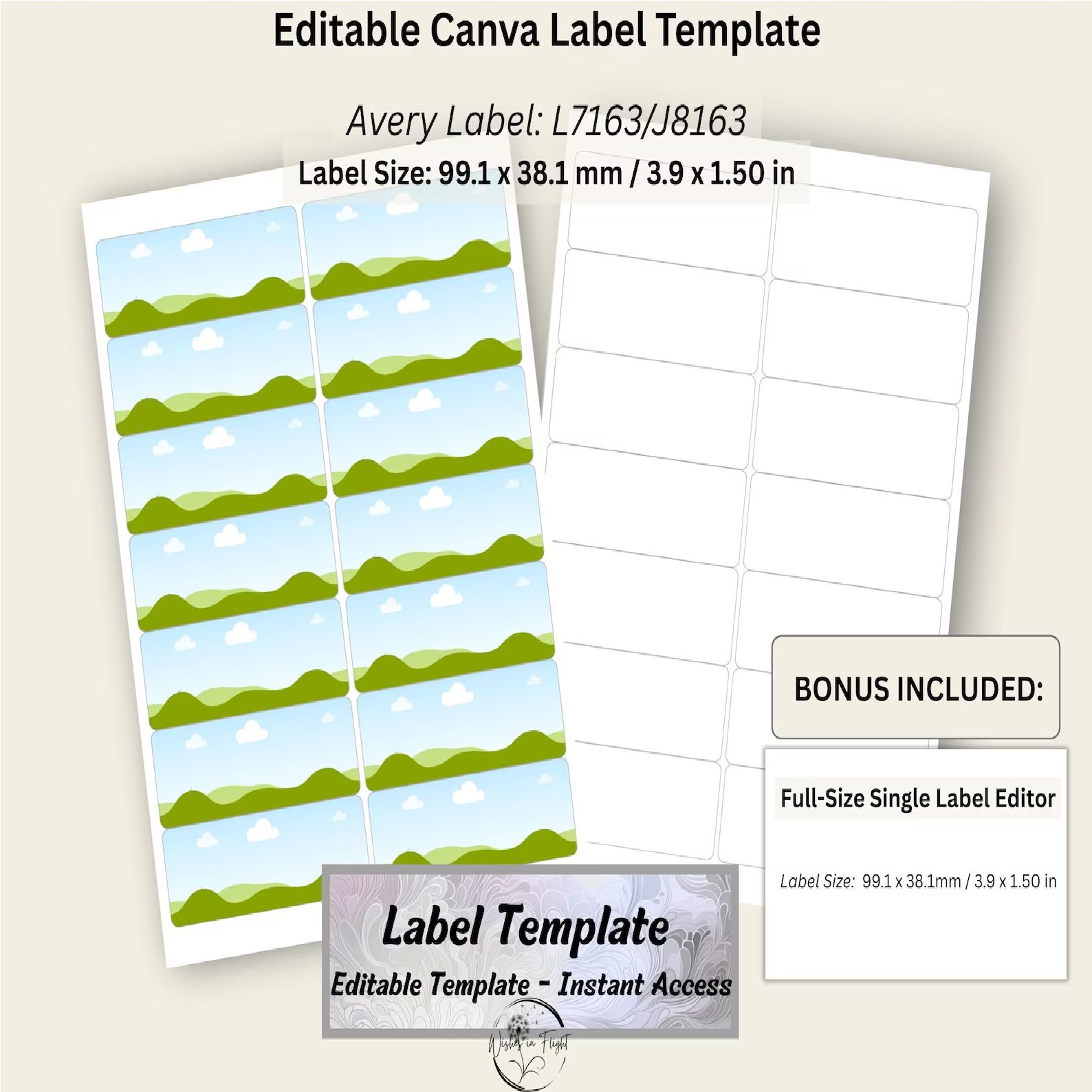
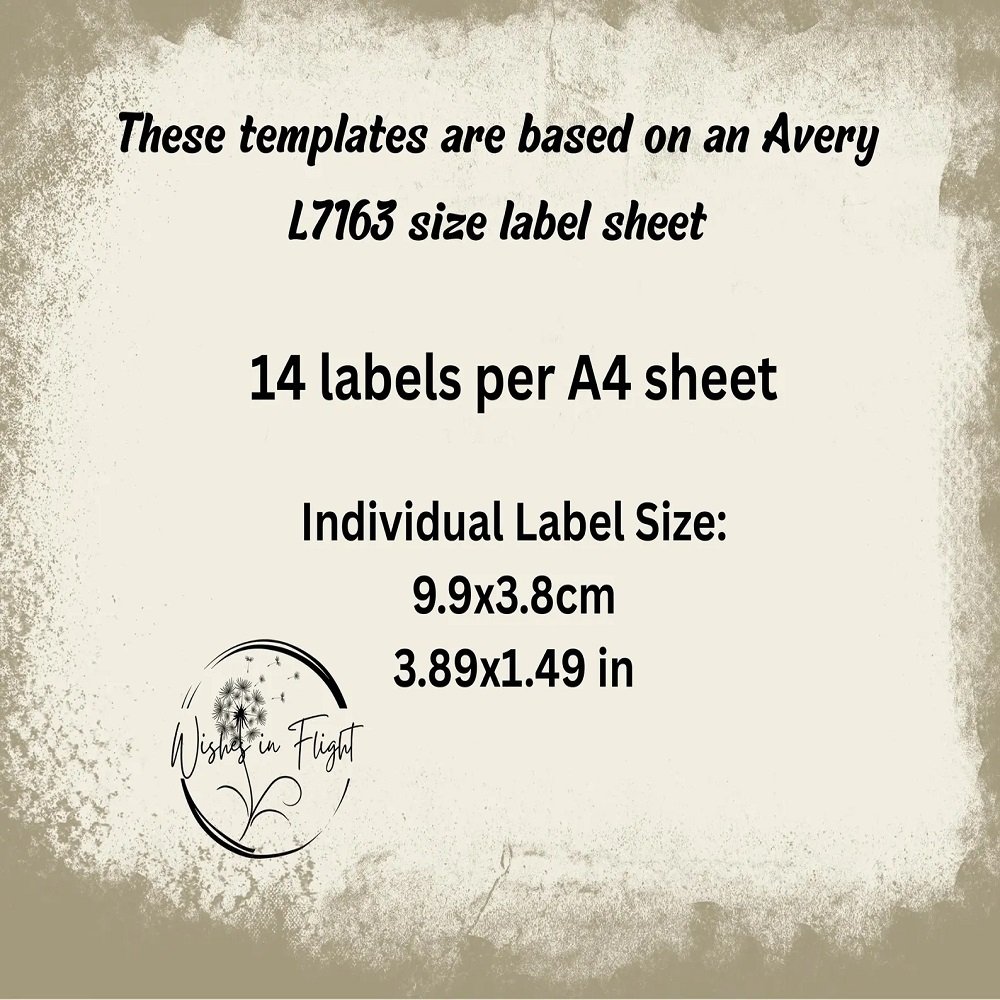
Create professional, polished labels with this fully editable Canva label template, designed specifically for A4 label sheets measuring 99.1 × 38.1 mm (3.9 × 1.5 inches). Whether you are creating product packaging, pantry labels, spice jar stickers, or small-business branding materials, this template makes designing and printing your own labels simple and convenient.
What You’ll Receive
1. Blank Label Sheet – Editable in Canva
- 14 evenly spaced blank labels
- Clean outline layout
- Add your own text, logos, graphics, colors, or patterns
- Designed for accurate A4 printing
2. Label Sheet with Image Frames – Editable in Canva
- 14 convenient drop-in image frames
- Frames are positioned and locked for consistent alignment
- Easily add photos, artwork, patterns, or backgrounds
- Maintains appropriate spacing for print-friendly results
3. Bonus: Full-Size Single Label Editor
A bonus single-label template allows you to create detailed custom artwork at full size. Design your label individually, resize or refine it as needed, and then add it to the main label sheet.
Avery Compatibility
This template is designed to match A4 label sheets measuring 99.1 × 38.1 mm (3.9 × 1.5 inches) and is compatible with:
- 🇦🇺 Avery L7163
- 🇬🇧 Avery J8163
- 🇪🇺 Avery L7163 / J8163
- Other A4 label sheets with the same 99.1 × 38.1 mm dimensions
How It Works
- Open the supplied PDF instructions.
- Click the Canva template link.
- Customize the labels with your own text, images, logos, fonts, and colors.
- Download your finished design as PDF Print.
- Print on compatible A4 label sheets using 100% / Actual Size printer settings.
Perfect For
- Product and packaging labels
- Pantry and kitchen organization
- Spice jar labels
- Small-business branding
- Handmade and market products
- Gift packaging
- Craft projects
- Printable products
- Home organization
- Custom stickers and labels
Important Information
This is a digital Canva template only. No physical product or printed labels will be shipped.
You will receive access to the editable Canva template along with instructions for using, customizing, and printing your labels. Canva is required for editing.
Create professional-looking labels quickly and easily with a flexible template designed for convenient customization and accurate A4 printing.


Reviews
There are no reviews yet.