




Planner Microsoft | Microsoft Planner
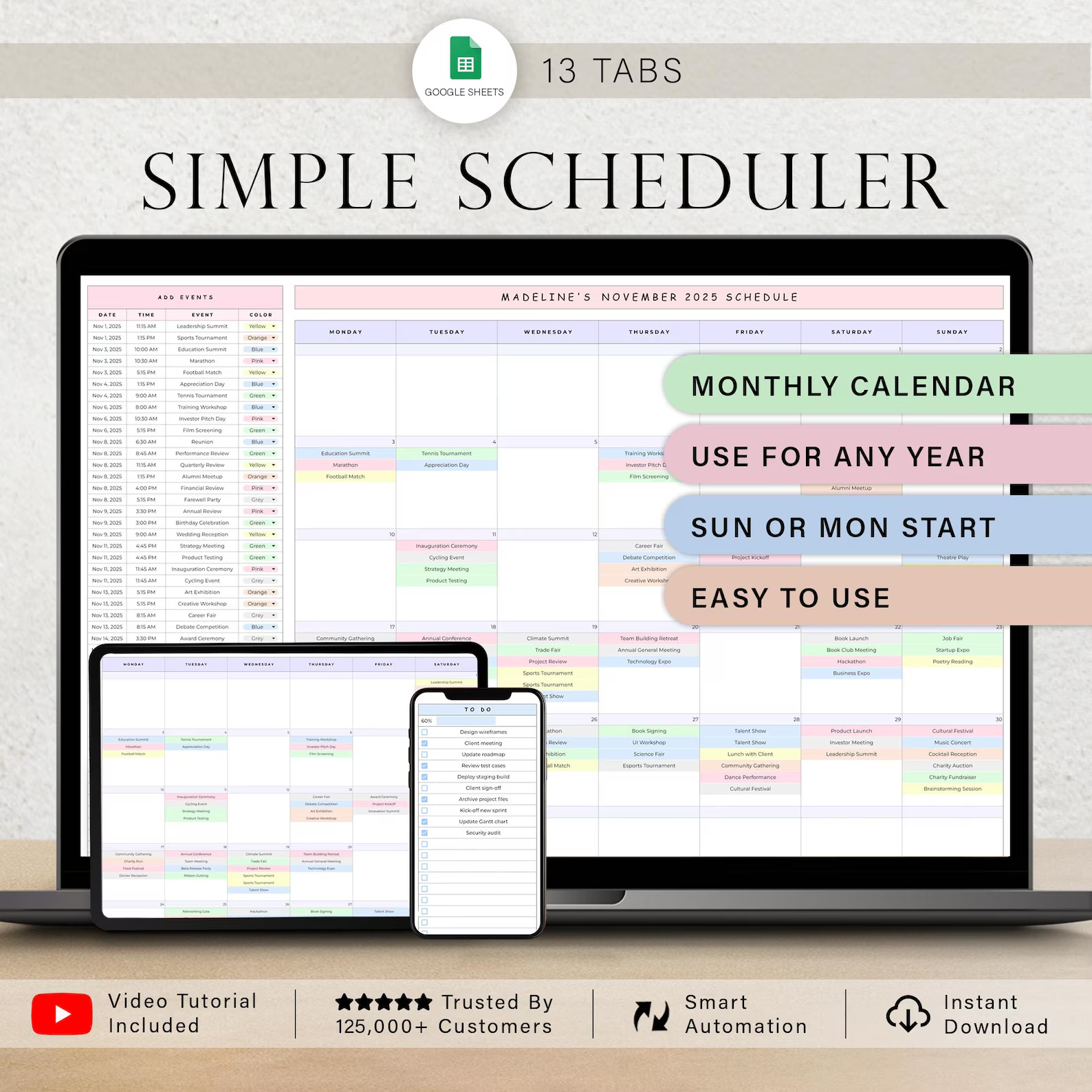
Simple Scheduler Monthly Spreadsheet | Google Sheets Calendar & Planner | 12-Month Digital Schedule
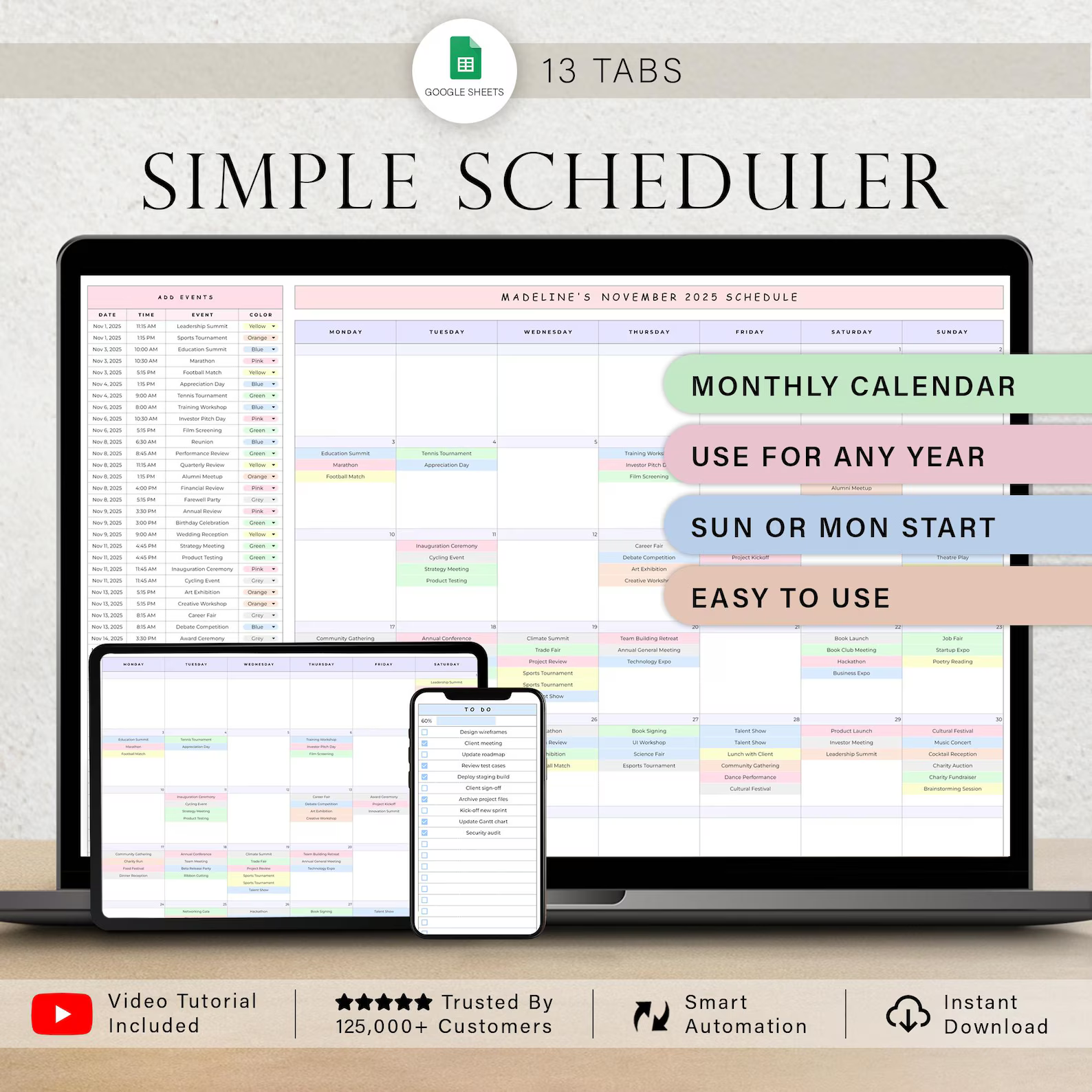
Simplify your planning and stay organized with the Simple Scheduler Monthly Spreadsheet, a user-friendly digital scheduling system created specifically for Google Sheets. Designed to provide a clear overview of your year, this customizable spreadsheet makes it easy to manage appointments, business meetings, events, tasks, deadlines, and everyday activities from one convenient location.
Whether you're a professional, entrepreneur, freelancer, small-business owner, or simply looking for an effective way to organize your schedule, this monthly planner provides a straightforward and practical solution for managing your time and responsibilities.
WHY CHOOSE THIS SCHEDULER?
The Simple Scheduler is designed with simplicity and convenience in mind, making it suitable even if you're new to spreadsheet-based planning.
Key Benefits
✓ Beginner-Friendly – Simple, intuitive, and easy to navigate.
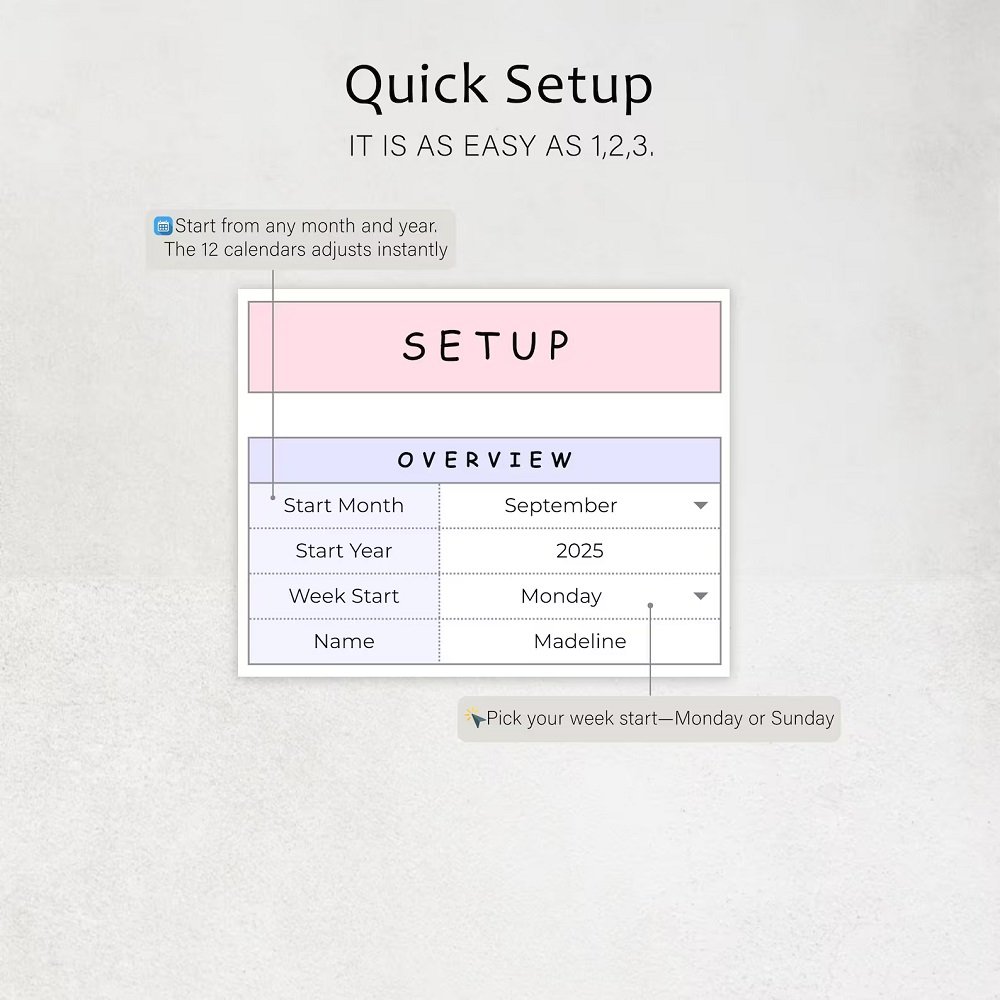
✓ Quick Setup – Get started quickly using the included instructions and tutorials.
✓ Step-by-Step Guidance – Follow the provided instructions and video tutorials to learn how to use the spreadsheet effectively.
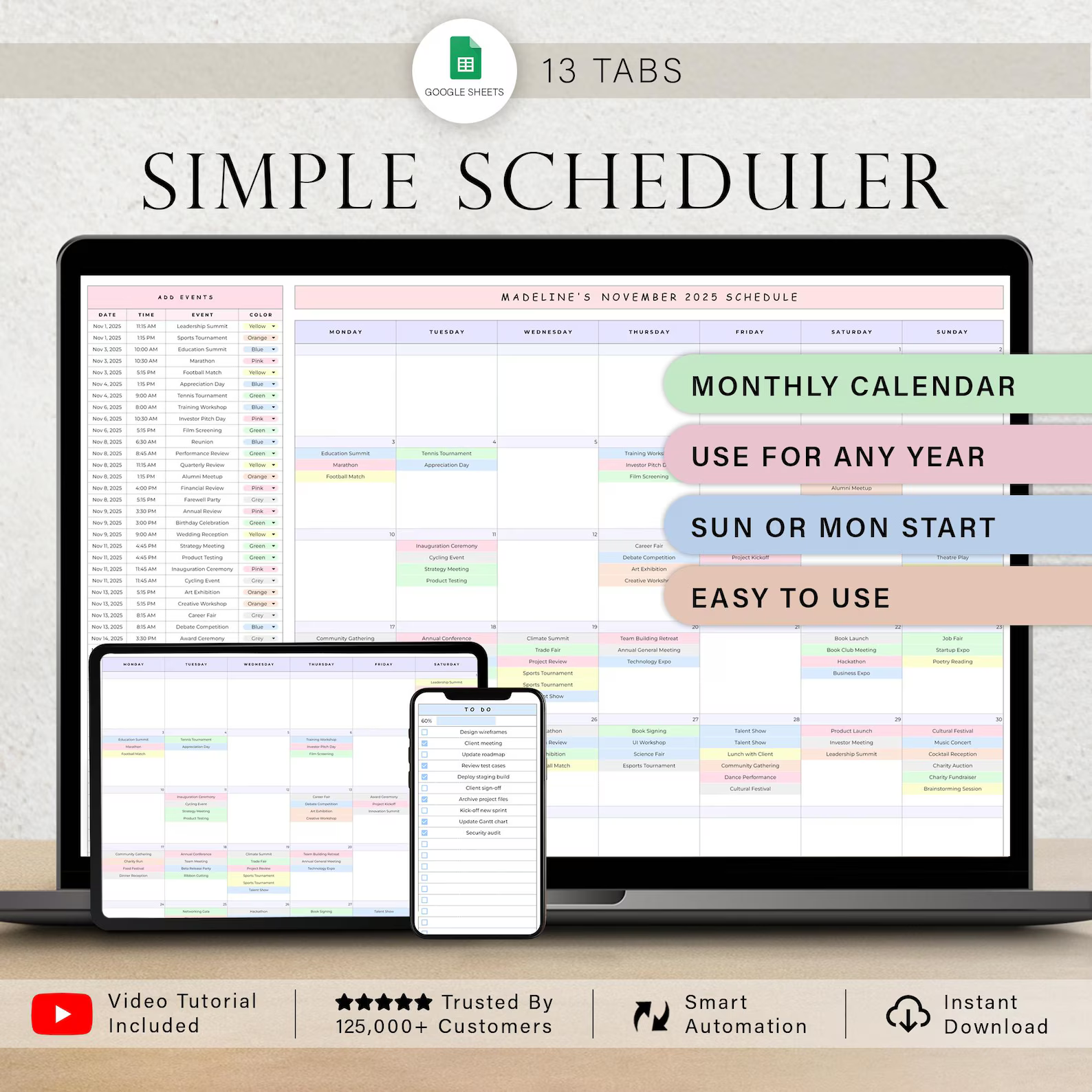
✓ 12-Month Planning – Organize your entire year with dedicated monthly calendar tabs.
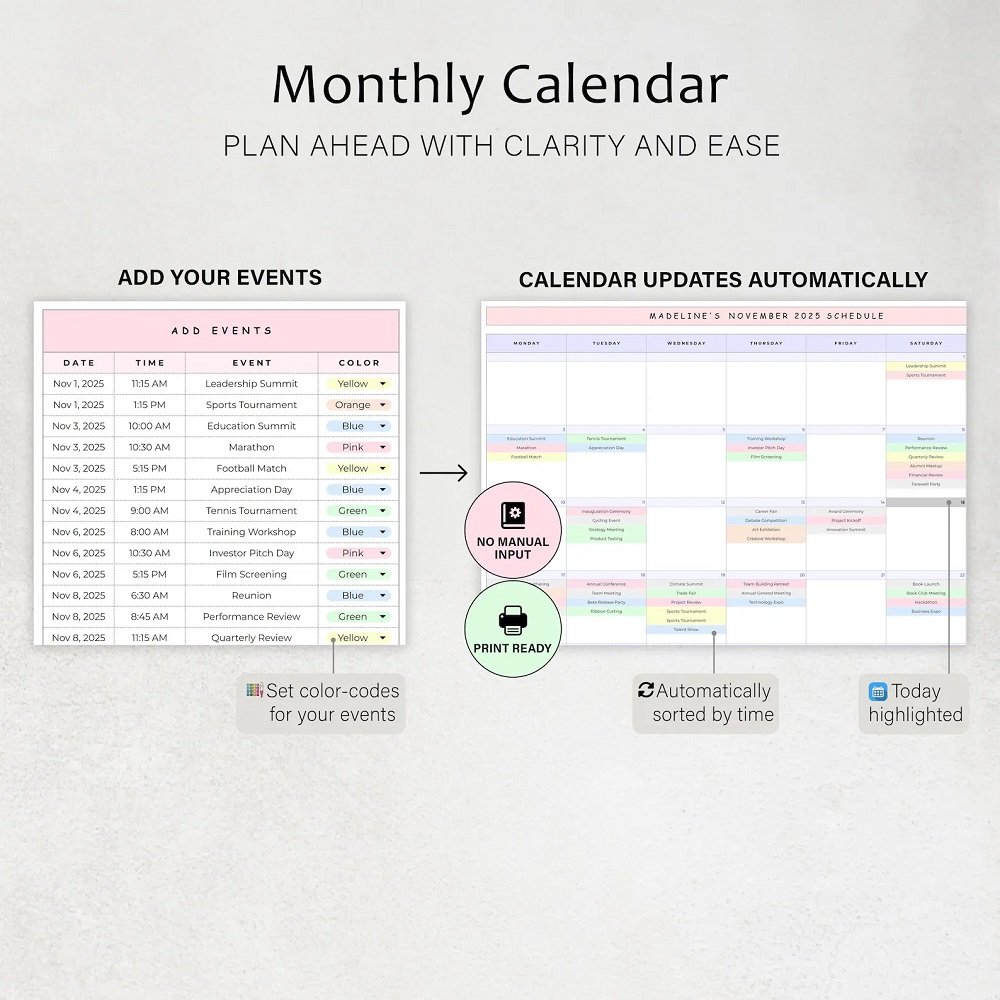
✓ Customizable Calendar Entries – Change the colors of calendar entries to visually categorize different types of activities, appointments, or tasks.
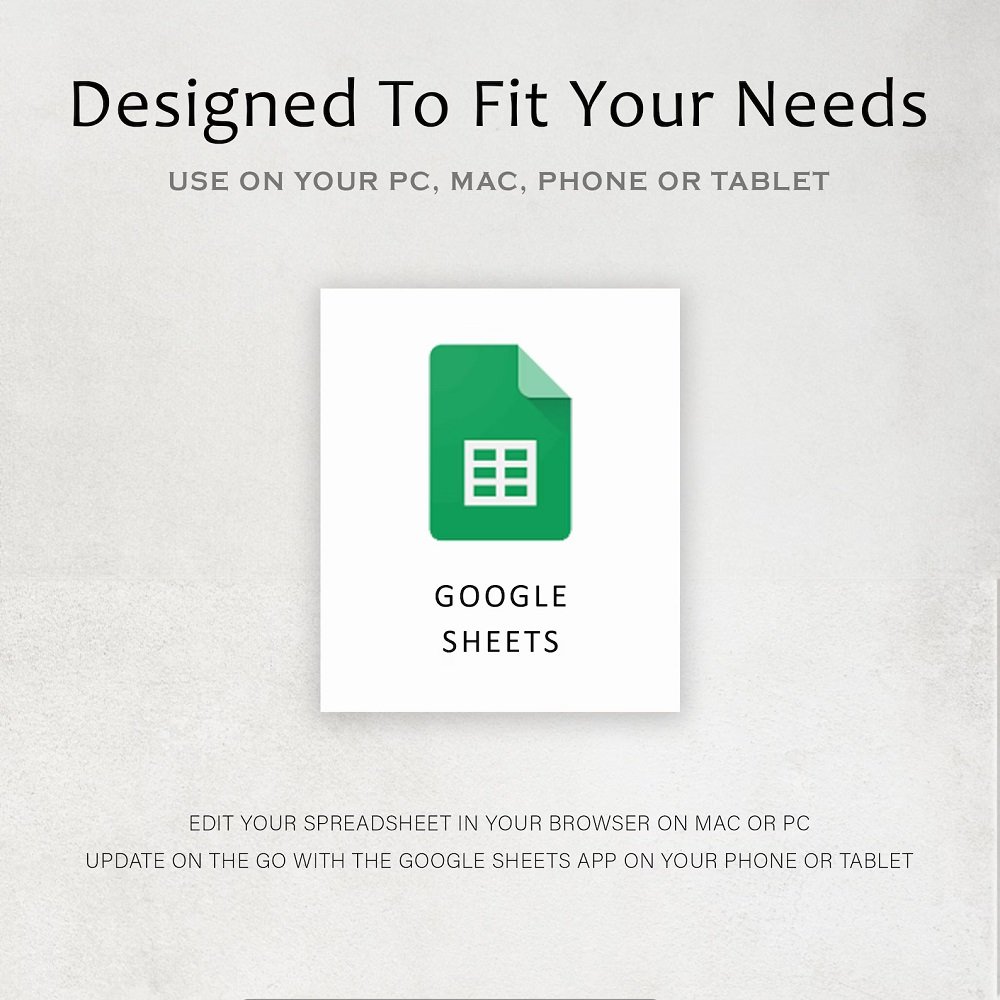
✓ Multi-Device Access – Because the spreadsheet is created in Google Sheets, you can access and update your schedule across compatible devices when signed into your Google account.
✓ Practical Organization – Keep business activities, meetings, appointments, events, and tasks organized in one centralized planning system.
WHAT'S INCLUDED
Your purchase includes access to the Simple Scheduler Spreadsheet along with helpful resources to make setup and everyday use easier.
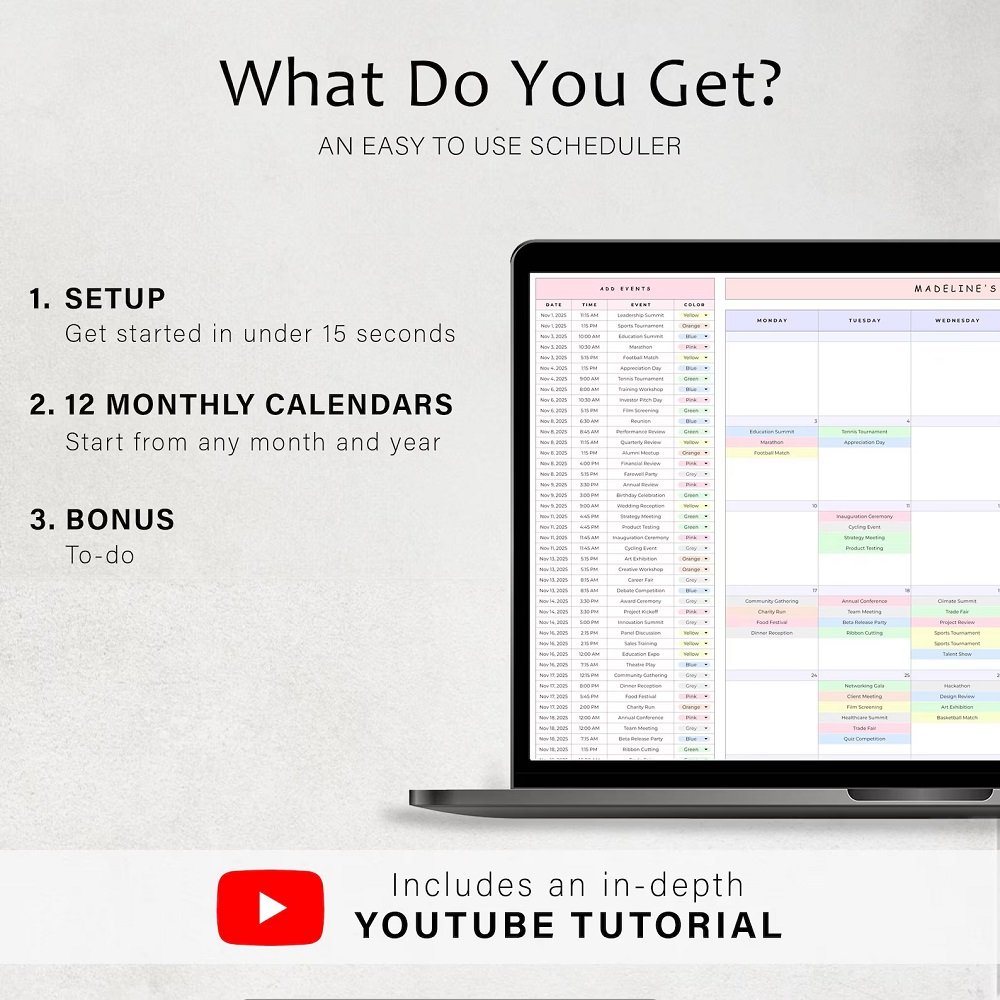
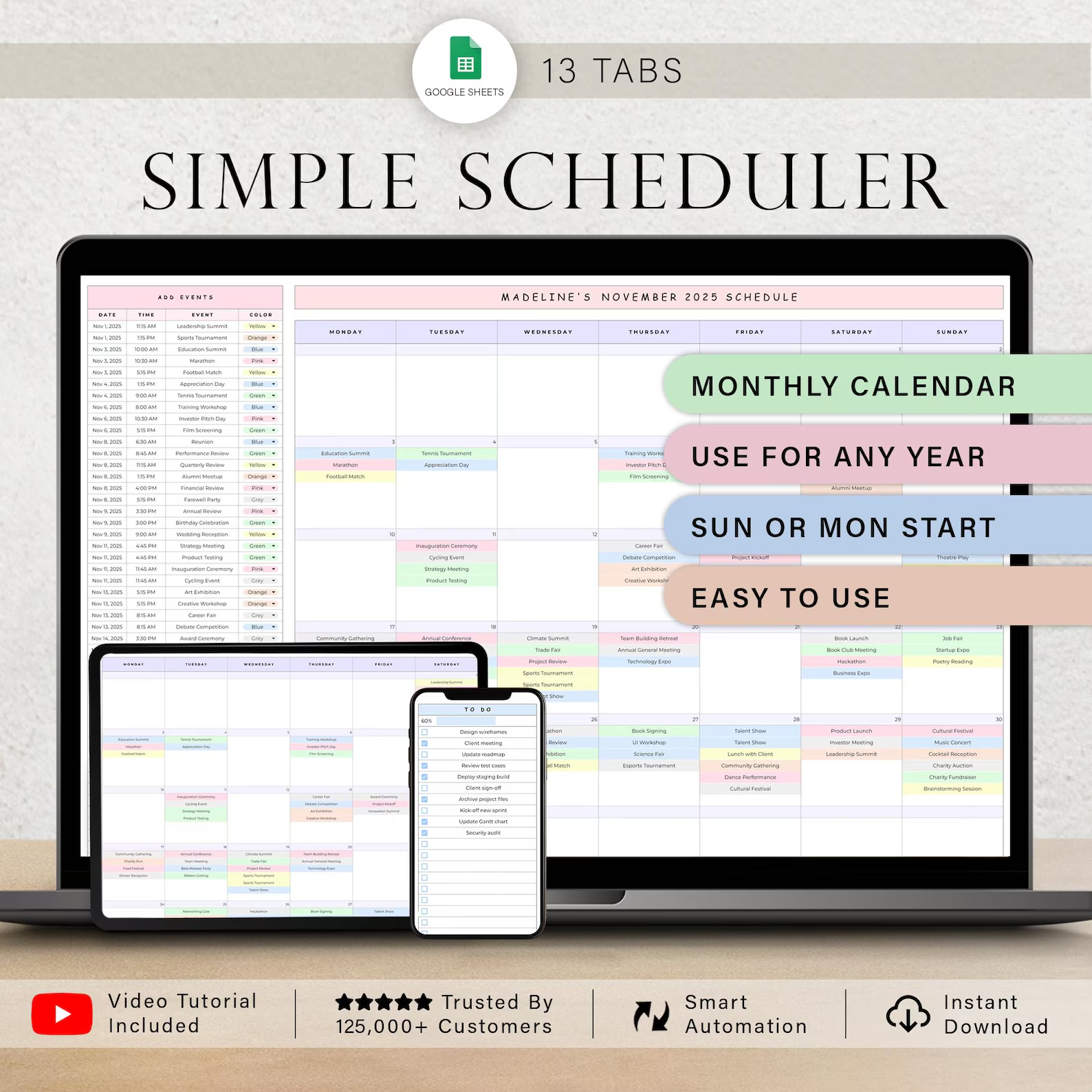
13 Spreadsheet Tabs
- 1 Setup Tab
- 12 Monthly Calendar Tabs
Each monthly tab provides a dedicated space for organizing your schedule and keeping track of important activities throughout the month.
CUSTOMIZE YOUR CALENDAR
Make your schedule easier to understand by assigning different colors to your calendar entries. Use your own color system to distinguish between categories such as:
- Business meetings
- Appointments
- Personal events
- Important deadlines
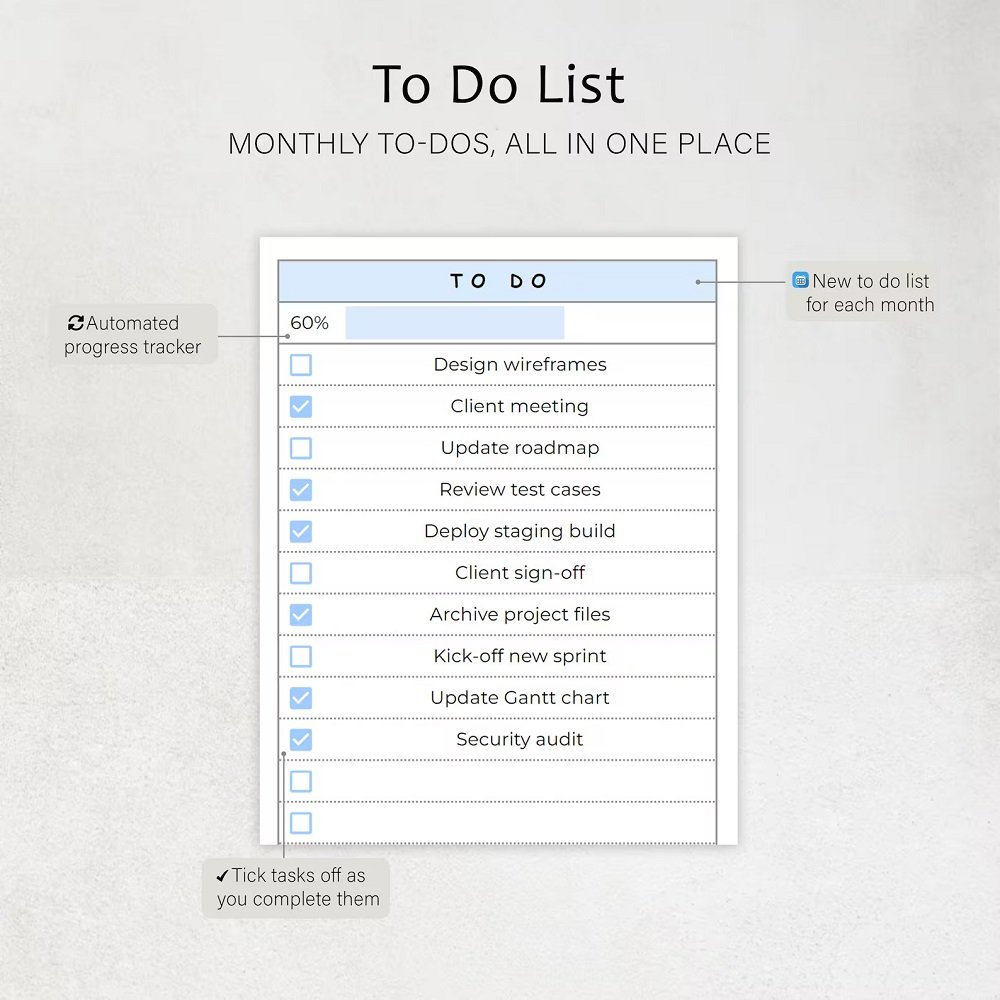
- Tasks
- Projects
- Other scheduled activities
This visual organization can help you quickly identify different types of commitments when reviewing your monthly calendar.
EASY TO USE
The Simple Scheduler is designed to provide a straightforward planning experience without requiring advanced spreadsheet knowledge.
Simply follow the included setup instructions, familiarize yourself with the layout, and begin entering your schedule.
The included tutorials and example scheduler provide additional guidance, making it easier to understand how the template works and how you can adapt it to your own planning needs.
ACCESS YOUR SCHEDULE ACROSS DEVICES
Since this scheduler is designed for Google Sheets, your spreadsheet can be accessed from compatible devices when you're signed into the Google account associated with your files.
This makes it convenient to review or update your schedule whether you're working from a computer, tablet, or compatible mobile device.
PERFECT FOR
This monthly scheduling spreadsheet is ideal for:
- Professionals
- Entrepreneurs
- Freelancers
- Small-business owners
- Remote workers
- Administrative planning
- Business scheduling
- Appointment tracking
- Meeting management
- Event planning
- Task organization
- Personal scheduling
Use it to maintain a clear overview of your commitments and stay on top of important activities throughout the year.
WHAT YOU WILL RECEIVE
Your purchase includes:
- PDF containing the link to the Simple Scheduler Spreadsheet
- Step-by-step setup instructions
- Video tutorials
- Example scheduler for reference
- Customer support for assistance with the product
The example scheduler can help you understand how the system is intended to be used, while the instructions and video tutorials provide additional support during setup.
IMPORTANT COMPATIBILITY INFORMATION
This spreadsheet is designed exclusively for Google Sheets.
It is not compatible with Microsoft Excel.
To access and use the spreadsheet, you will need a Google account, which is free to create.
A compatible internet connection and access to Google Sheets are required to use the digital scheduler.
DIGITAL PRODUCT NOTICE
This is a digital product. No physical item will be shipped.
You will receive the information and resources required to access the digital scheduler electronically.
ORGANIZE YOUR YEAR WITH CONFIDENCE
Keep your schedule clear, organized, and easy to manage with the Simple Scheduler Monthly Spreadsheet. With 12 dedicated monthly calendars, customizable entry colors, beginner-friendly instructions, tutorials, and a practical setup system, it provides an efficient way to organize business activities, meetings, appointments, events, and tasks throughout the year.
Designed specifically for Google Sheets, this simple and flexible scheduling solution helps bring your plans together in one convenient digital calendar.



Reviews
There are no reviews yet.