





Template 5395 Avery | 5395 Avery Template
Avery 5395 Name Badge Canva Template | Editable 8-Up Layout | Printable Event Badges
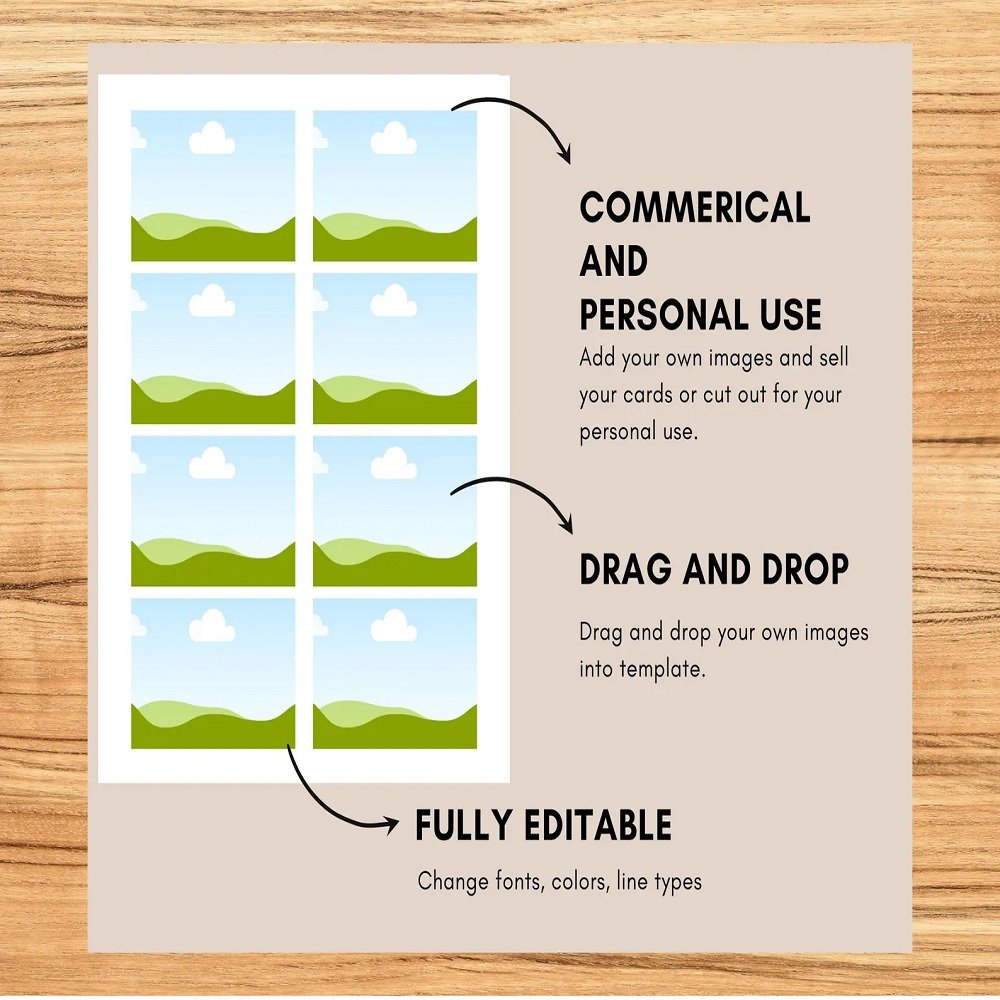
Create professional, polished name badges without the hassle of measuring, positioning, or manually adjusting each badge. This Avery 5395 Canva Name Badge Template provides a precisely structured 8-up layout designed to make customization and printing simple, even for Canva beginners.
The blank template gives you complete creative freedom to add names, job titles, photographs, logos, icons, colors, borders, backgrounds, and other design elements directly in Canva.
📐 Designed for Avery 5395
This template is designed for use with Avery 5395 Flexible Adhesive Name Badges.
Specifications:
- Badge dimensions: 2-1/3" × 3-3/8"
- 8 badges per sheet
- US Letter sheet size: 8.5" × 11"
- Precisely positioned for the Avery 5395 layout
- Suitable for compatible inkjet and laser printers
The template may also work with related Avery formats, including:
25395 • 42395 • 45395 • 48395 • 8395 • 85395 • 88395
It is also listed as compatible with Presta 94366. Please verify the exact dimensions and layout of your badge sheets before printing.
🎨 Fully Customizable in Canva
The template is intentionally left blank so you can create badges that match your event, organization, school, or business branding.
Customize your badges with:
- Names
- Job titles
- Company names
- Logos
- Photos
- Icons
- Colors
- Backgrounds
- Borders
- Decorative graphics
- Custom fonts
- Event information
Canva's drag-and-drop interface makes it easy to position your content and create a consistent design across all badges.
✨ Why You'll Love This Template
Easy One-Click Access
Simply open the Canva template link provided with your purchase and select “Use Template” to begin editing.
No Measuring Required
The layout has already been structured for the Avery 5395 8-up format, helping eliminate the need for manual measurements and positioning.
Beginner Friendly
No professional graphic design experience is necessary. The included Canva Beginner's Guide provides helpful instructions for editing and printing your badges.
Efficient Batch Printing
Design one badge, then duplicate your completed design across the remaining badge positions to quickly prepare an entire sheet.
🏢 Perfect For
This template is ideal for a wide range of events, organizations, and creative projects:
- Conferences
- Networking events
- Business meetings
- Workshops
- Seminars
- School events
- Classrooms
- Volunteer groups
- Community events
- Birthday parties
- Weddings and celebrations
- Trade shows
- Corporate events
- Small businesses
- Nonprofit organizations
- Event planners
- Teachers
- Etsy sellers
- Crafters
Whether you're identifying conference attendees, welcoming guests, organizing a classroom, or creating professional staff badges, this template provides a simple and flexible solution.
📦 What You'll Receive
1. Avery 5395 Canva Template
A professionally structured 8-badge-per-sheet Canva template designed for Avery 5395 Flexible Adhesive Name Badges.
2. Canva Beginner's Guide PDF
A helpful guide covering the basics of using Canva templates, including:
- Opening the template
- Adding text
- Uploading photos
- Adding logos and graphics
- Changing colors and fonts
- Duplicating designs
- Sharing your design
- Preparing your file for printing
🖨️ Printing Instructions
Once your badges are customized:
- Open your completed Canva design.
- Download the finished file using a suitable print-ready format.
- Load your compatible Avery sheets into your printer.
- Check your printer settings and paper orientation.
- Print a test page first.
- Compare the test print with your blank Avery sheet before printing the final batch.
For the best results, make sure your printer is configured for the correct paper size and printing scale.
💻 Digital Product Information
This listing is for a digital Canva template only.
No physical name badges, Avery sheets, printer supplies, or other materials will be shipped.
You will need a Canva account to access and edit the template. The template is designed to be accessible through Canva, making it convenient to customize from a compatible computer, tablet, or other supported device.
⚠️ Important Compatibility Notice
Although the template is designed around the Avery 5395 layout and related formats listed above, variations may exist between products or manufacturers.
Please confirm that your badge sheets match the stated 2-1/3" × 3-3/8" badge size and 8.5" × 11" sheet layout before printing.
Always perform a test print before using your full supply of adhesive sheets.
📋 Simple 5-Step Workflow
1. Purchase
Complete your digital purchase.
2. Download
Download the PDF containing your Canva template link and beginner's guide.
3. Customize
Open the template in Canva and add your content.
4. Duplicate
Copy your completed badge design across all 8 positions.
5. Print
Download your finished design and print it on compatible Avery sheets.
🌟 Save Time and Create With Confidence
Forget the frustration of manually measuring badge positions or correcting repeated alignment issues. This Avery 5395 Canva Name Badge Template provides a convenient starting point for creating consistent, professional-looking badges quickly.
With a ready-to-use layout and beginner-friendly instructions, you can design customized name badges for your next event, classroom activity, business meeting, conference, or celebration with minimal effort.



Reviews
There are no reviews yet.