





Template Yearbook | Yearbook Template
Class of 2026 High School Yearbook Template | 41-Page Editable Canva Yearbook
Create a Yearbook Full of Memories
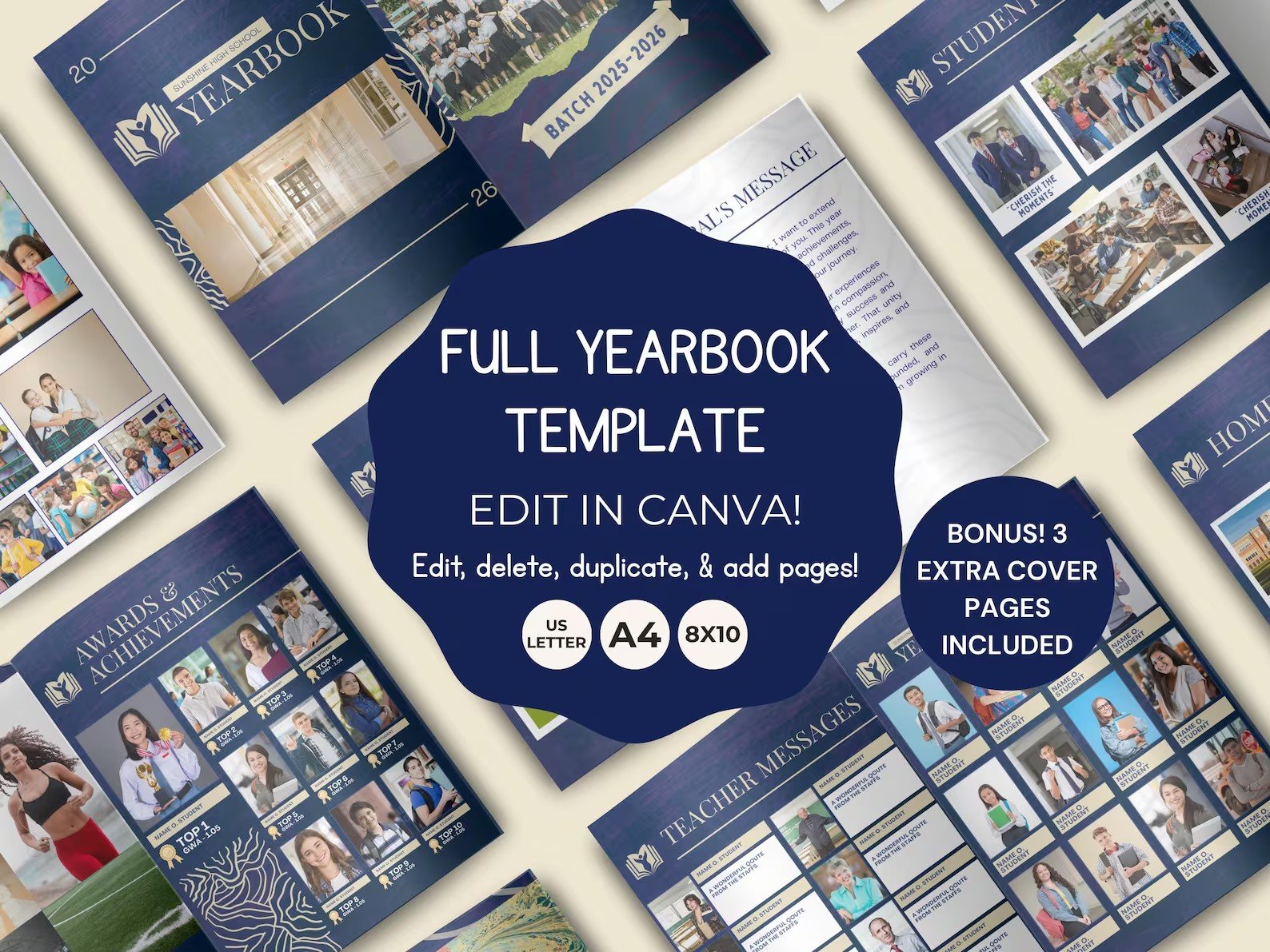
Celebrate the Class of 2026 with a professionally designed, fully editable high school yearbook template created to make the yearbook-making process simple, organized, and enjoyable.
Whether you're a student, teacher, school administrator, yearbook committee, or school club, this 41-page Canva yearbook template provides a ready-made framework for capturing the people, events, achievements, friendships, and memorable moments that made the school year special.
No professional graphic design experience is required. The template is designed to work with Canva's free version, using simple drag-and-drop tools that make customization straightforward.
Why You'll Love This Yearbook Template
🎓 Designed for the Class of 2026
Create a memorable keepsake specifically for the graduating class of 2026. The included pages cover major school events, student experiences, extracurricular activities, achievements, and graduation memories.
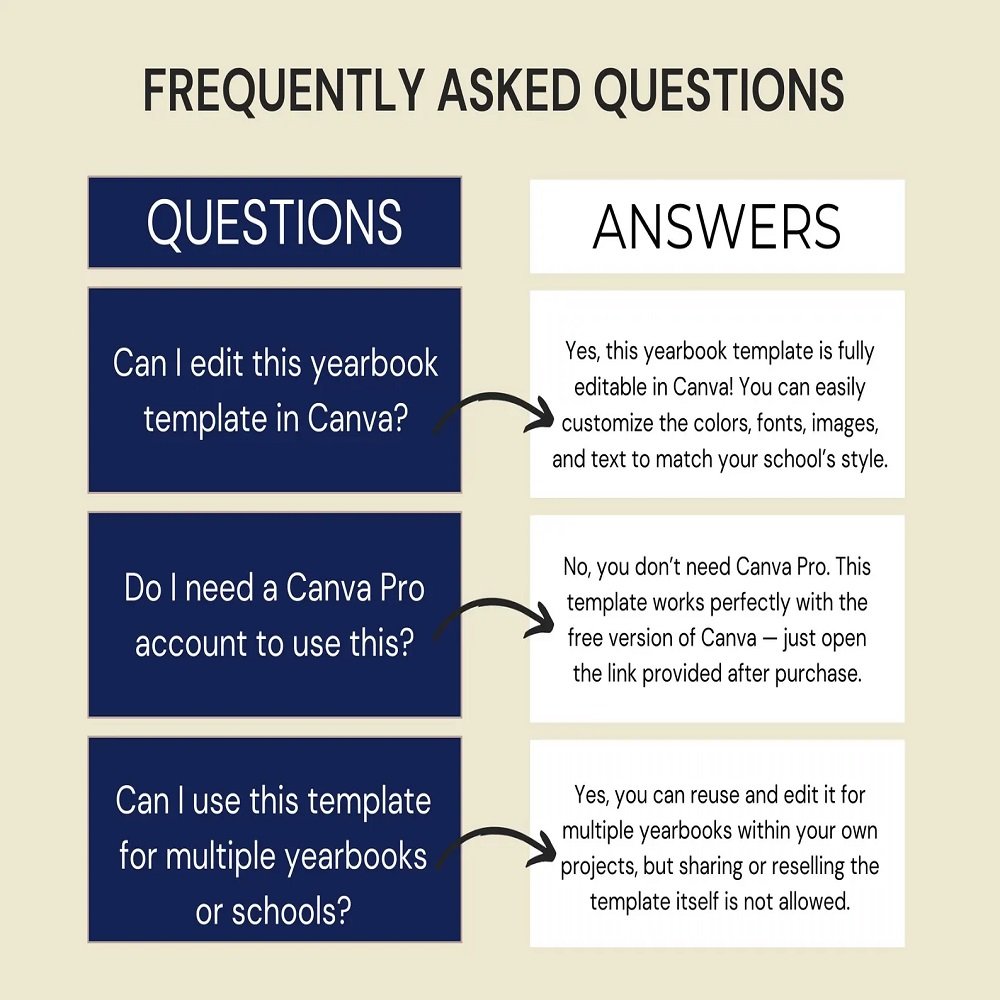
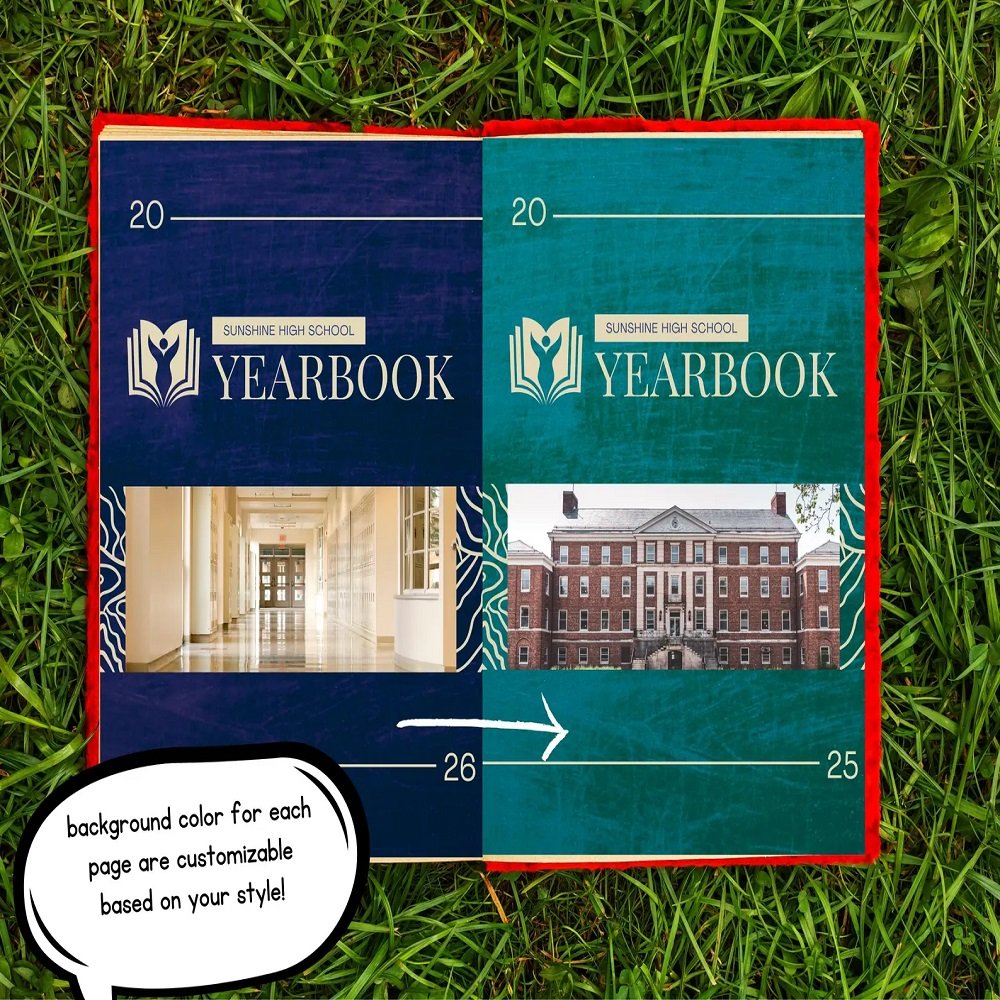
🎨 Fully Editable in Canva
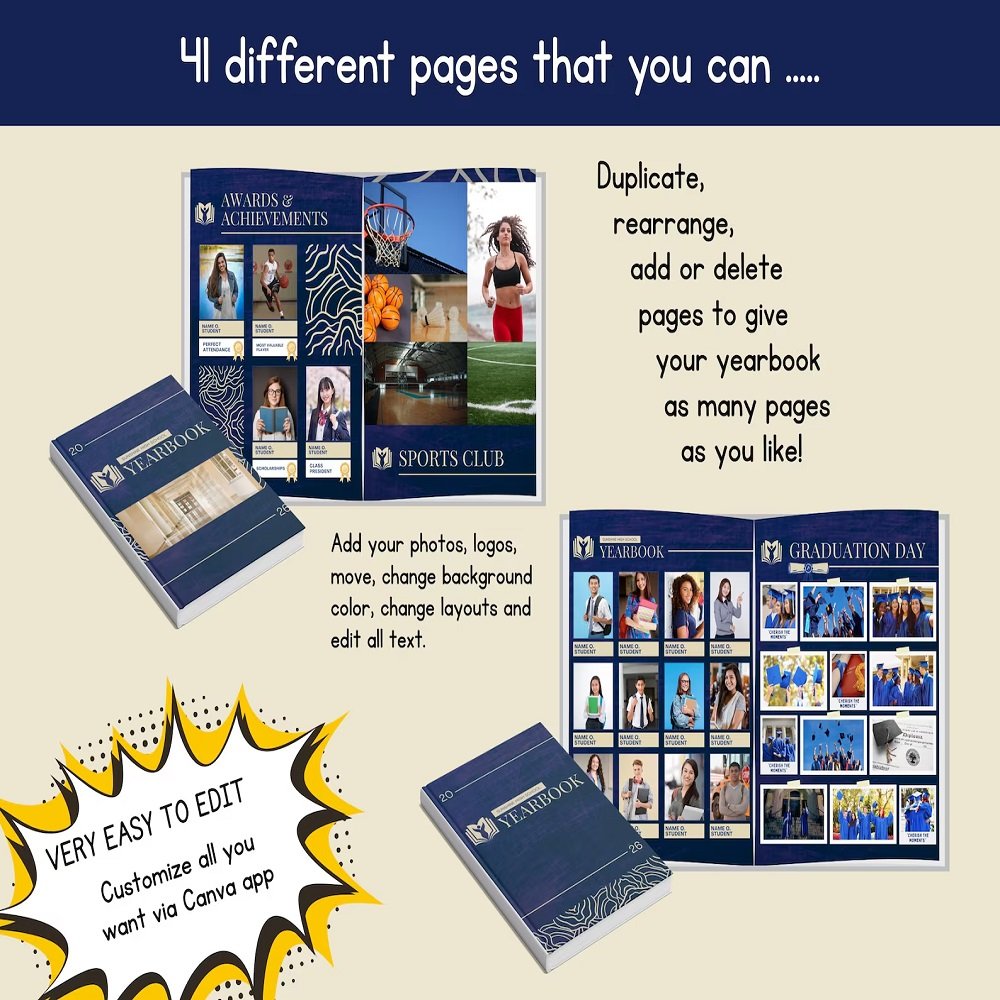
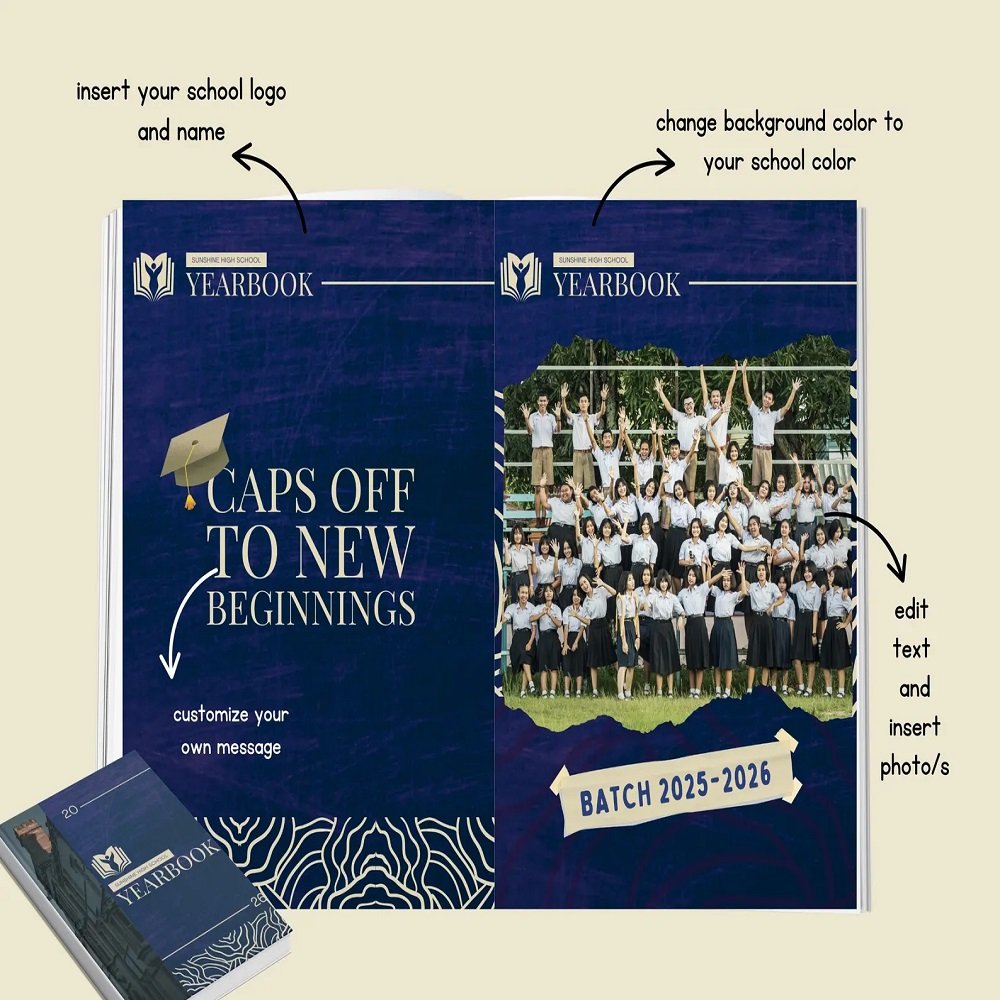
Personalize the yearbook to reflect your school's identity. You can easily:
- Change colors
- Edit text
- Replace photographs
- Adjust fonts
- Modify layouts
- Add new pages
- Delete unnecessary pages
- Rearrange page order
- Add school logos and graphics
📸 Easy Photo Placement
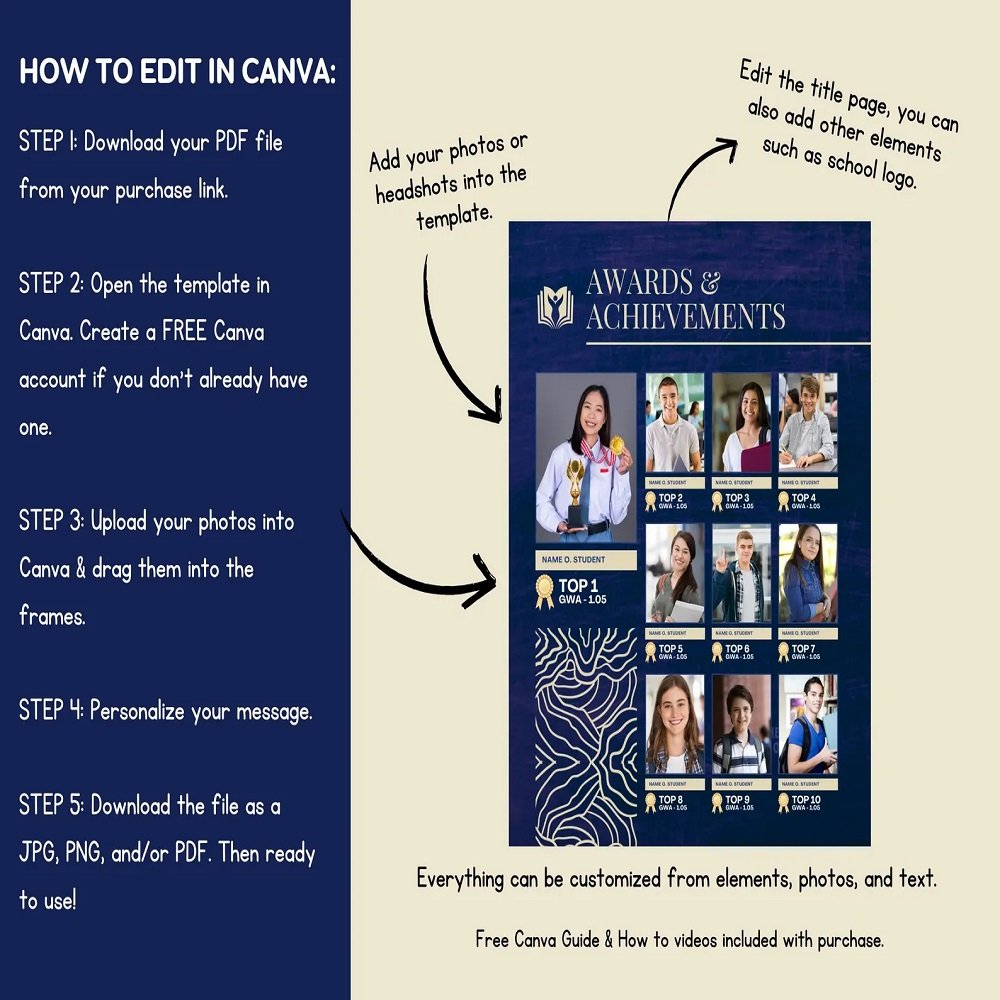
Adding student and school photographs is simple. Upload your images to Canva and drag them directly into the designated photo frames.
🖨️ Print or Share Digitally
Once your yearbook is complete, download it as a PDF, JPG, or PNG for digital sharing or printing. PDF is recommended when sending the finished yearbook to a professional printing service.
What's Included
Your purchase includes:
- 41-page editable Canva yearbook template
- PDF file containing the Canva template access link
- 3 yearbook size options
- Canva Basics Guide
- How-to video tutorials
Available Sizes
A4 Portrait
8.27" × 11.69"
US Letter Portrait
8.5" × 11"
8 × 10 Portrait
8" × 10"
These options make it easy to select a format that suits your school's printing requirements.
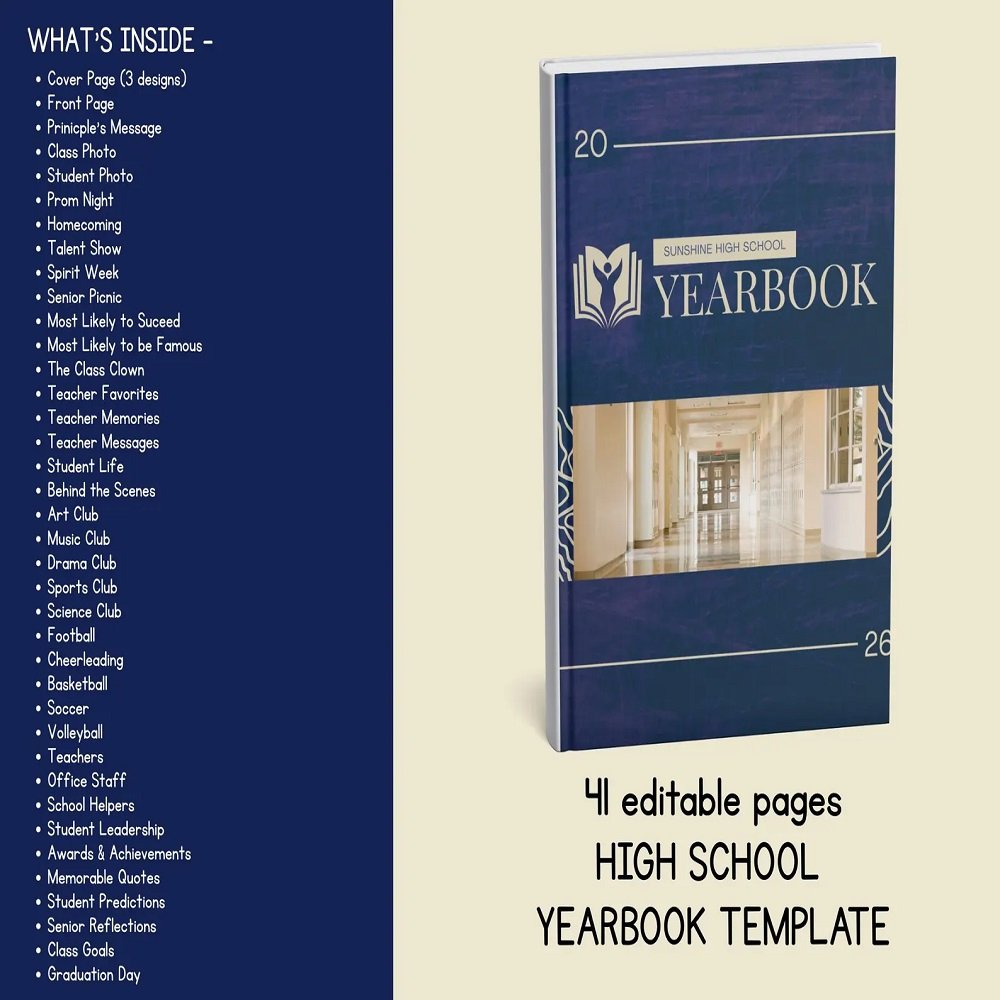
📖 What's Inside the 41 Pages?
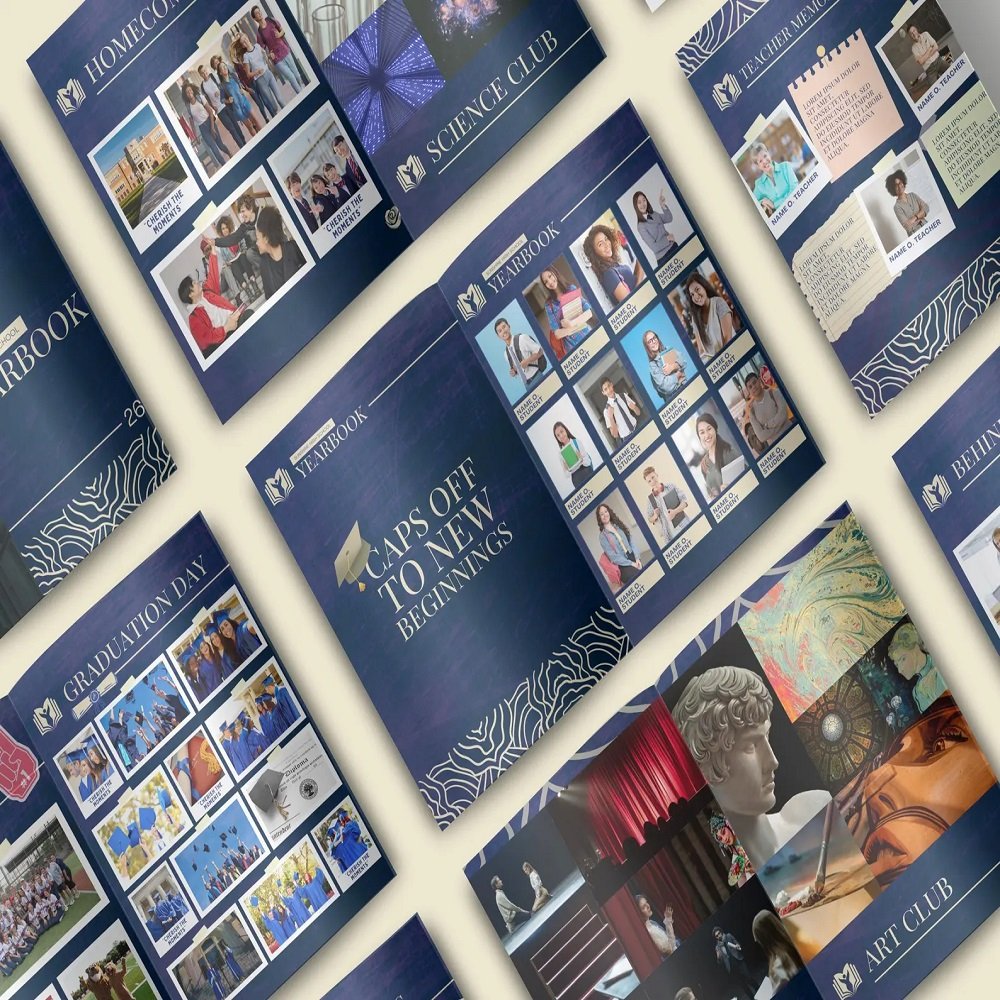
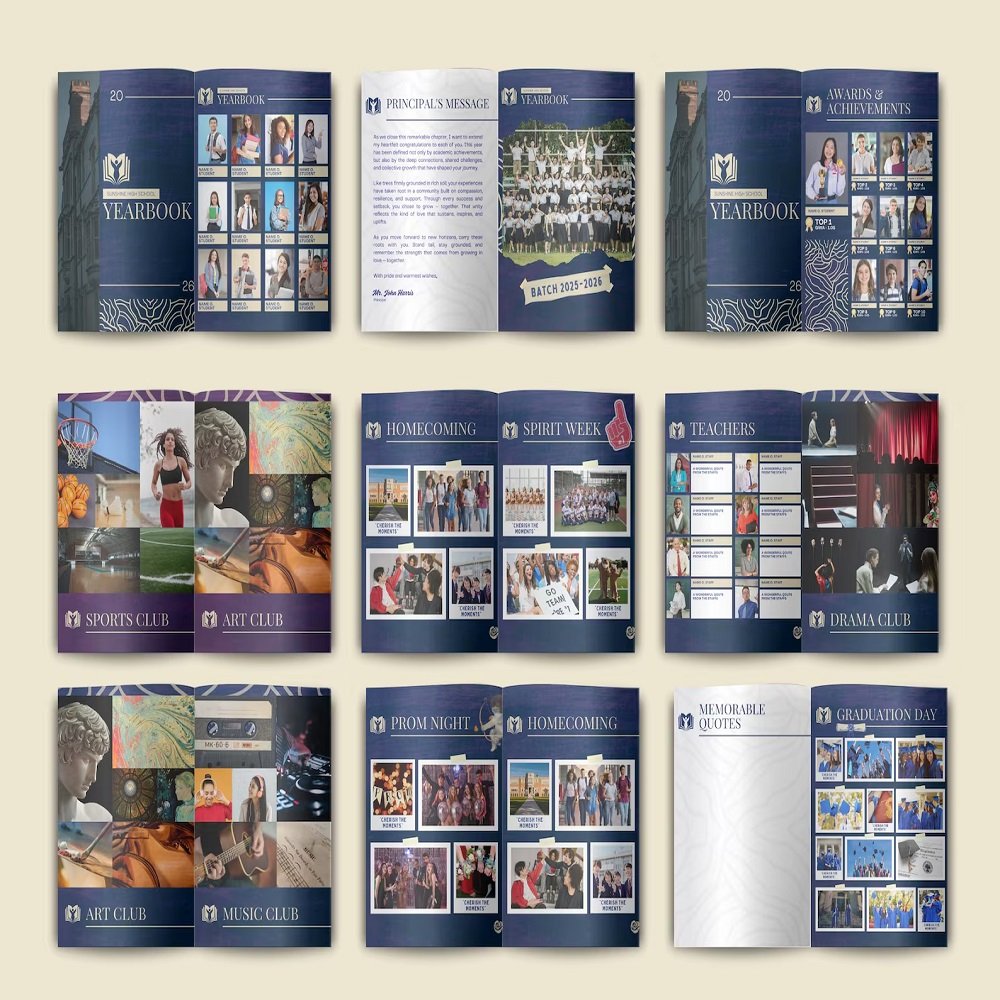
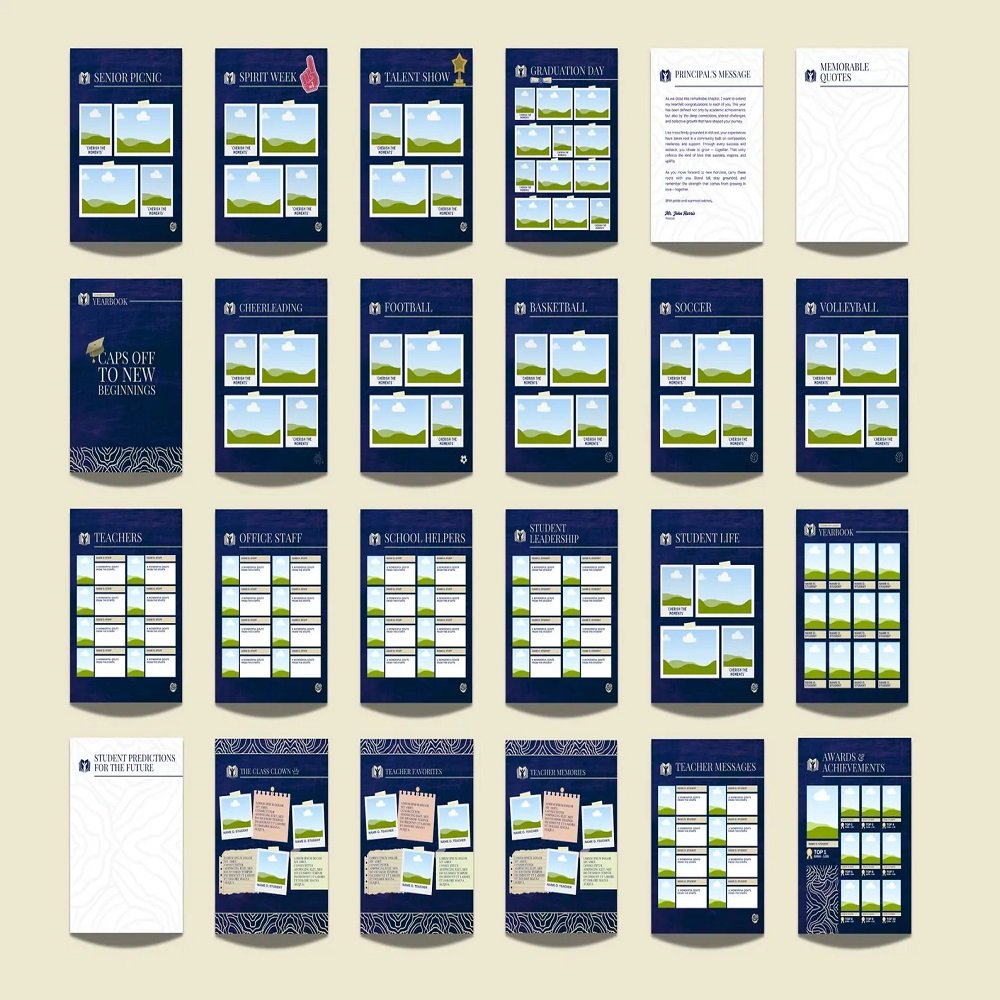
The template includes a broad selection of professionally arranged pages covering the school year.
Cover & Introduction
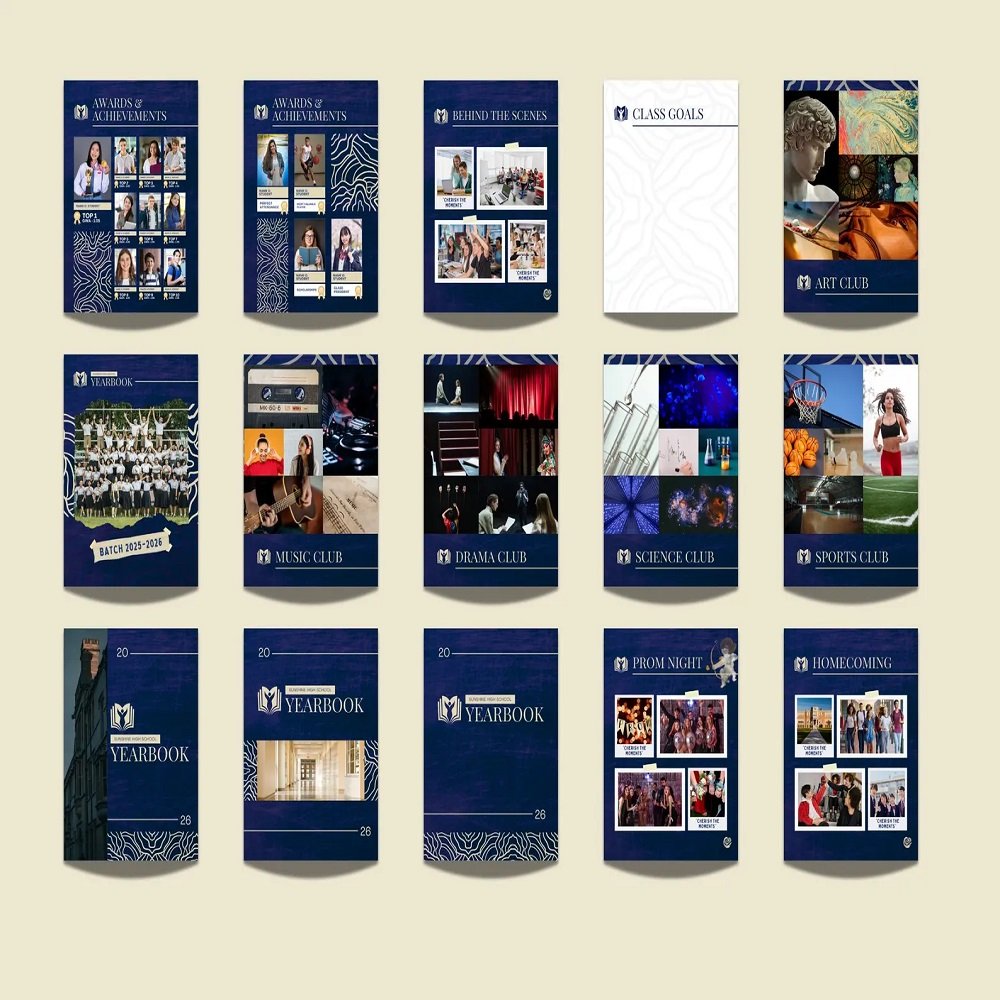
- 3 editable cover options
- Front page
- Principal's Message
Student Memories
- Class Photos
- Student Photos
- Student Life
- Behind the Scenes
- Memorable Quotes
- Student Predictions
- Senior Reflections
- Class Goals
School Events
- Prom Night
- Homecoming
- Talent Show
- Spirit Week
- Senior Picnic
- Graduation Day
Senior Superlatives
Add personality and fun with pages such as:
- Most Likely to Succeed
- Most Likely to Be Famous
- The Class Clown
- Other customizable superlative categories
Teachers & Staff
- Teacher Favorites
- Teacher Memories
- Teacher Messages
- Teachers
- Office Staff
- School Helpers
Clubs & Activities
Dedicated sections for:
- Art Club
- Music Club
- Drama Club
- Science Club
- Student Leadership
Sports
Celebrate school athletics with pages for:
- Football
- Cheerleading
- Basketball
- Soccer
- Volleyball
Achievements
- Awards & Achievements
- Graduation memories
- Class accomplishments
Pages can be added, removed, duplicated, or rearranged to create a yearbook that fits your school's specific needs.
✏️ How to Edit Your Yearbook
Creating your yearbook is easy, even if you've never designed one before.
Step 1: Purchase and download the PDF access file.
Step 2: Open the Canva template link included in the PDF.
Step 3: Select your preferred yearbook size.
Step 4: Create your editable Canva copy.
Step 5: Upload your school, teacher, and student photographs.
Step 6: Drag photographs into the provided frames.
Step 7: Double-click text areas to replace the sample wording.
Step 8: Customize colors, fonts, graphics, and layouts.
Step 9: Add, remove, or rearrange pages as needed.
Step 10: Download the completed yearbook as PDF, JPG, or PNG.
🎥 Beginner-Friendly Canva Support
New to Canva? No problem.
The purchase includes a Canva Basics Guide and helpful how-to videos designed to help beginners understand the essential tools needed to customize the yearbook.
You'll learn how to work with text, photographs, pages, colors, layouts, and other basic Canva functions.
📐 Need a Different Size?
If your school requires a custom yearbook dimension, contact the seller after purchase to request a different size.
A custom size may be created at no additional cost, subject to the seller's stated terms.
🏫 Ideal For
This template is suitable for:
- High schools
- Senior classes
- Yearbook committees
- Teachers
- School administrators
- Student organizations
- Graduation committees
- School clubs
- Homeschool graduation groups
It provides an affordable alternative to creating a yearbook completely from scratch.
💻 Digital Product Information
This listing is for a digital Canva template only.
No physical yearbook will be shipped.
You will need access to Canva and an internet connection to edit the template. Canva's free version can be used for the basic customization features required by this template.
The photographs, school-specific information, and other personalized content shown in any preview images are for demonstration purposes and are not included unless specifically stated.
📥 Instant Digital Access
After purchase, download the PDF containing the Canva template access information. Open the provided link, select your preferred size, and begin customizing your yearbook.
⭐ Create a Keepsake to Remember
From the first school memories to graduation day, this Class of 2026 Yearbook Template gives you a structured and creative way to document the people, achievements, friendships, activities, and experiences that defined the school year.
Create a polished, personalized yearbook that students, teachers, and families can look back on and treasure for years to come.



Reviews
There are no reviews yet.